Sign Up
Top 6 Best AI Book Illustrator Tools (2026): Features, Pricing, Pros, Cons & Examples
Author:
Narek Ghazaryan
Date:
September 3, 2026
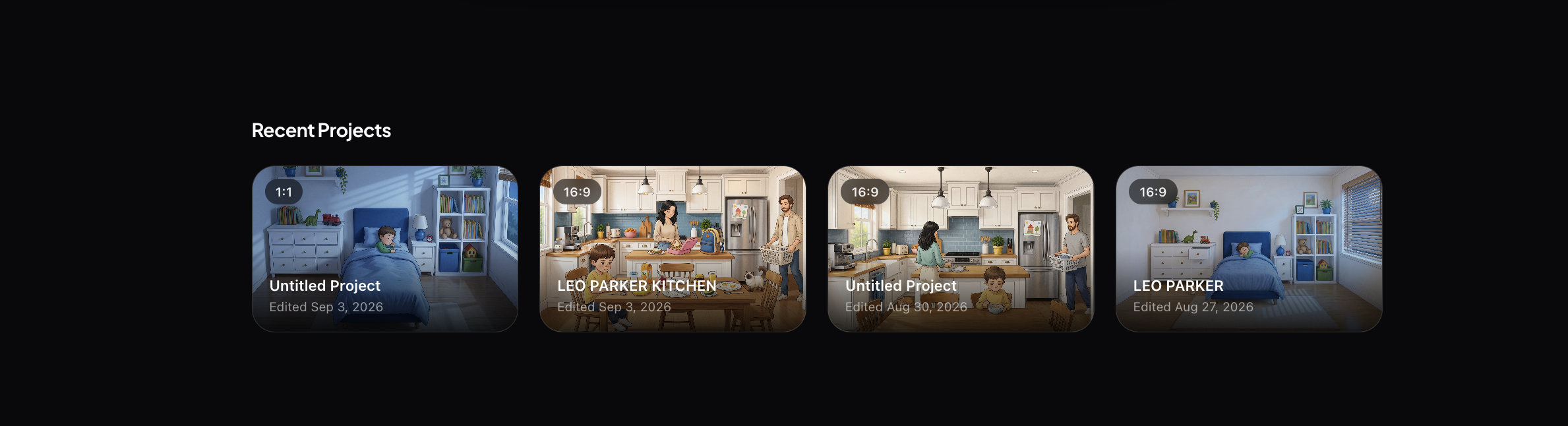
You finished the book. Now you need pictures - a children's story that needs a consistent hero on every page, a novel that deserves a few key scene illustrations, or a self-published title that needs cover-quality art without a five-figure illustrator invoice. AI book illustrator tools exist to close that gap.
To set expectations up front: an AI book illustrator is a creative partner for authors, not a replacement for a professional illustrator. A skilled illustrator brings craft, interpretation, and a point of view that no model fully replicates. What these tools do is let the author who has a finished manuscript but no art budget, the indie publisher working against a deadline, or the parent turning a bedtime story into a keepsake actually see their book illustrated — often in a single afternoon.
Below is a side-by-side comparison of the 6 best AI book illustrator tools, followed by a full breakdown of each.
Quick Comparison: 6 Best AI Book Illustrator Tools
Pricing checked in 2026 and subject to change — always confirm current plans on each tool's own site.
1. Drawstory - Best AI Book Illustrator for Writers
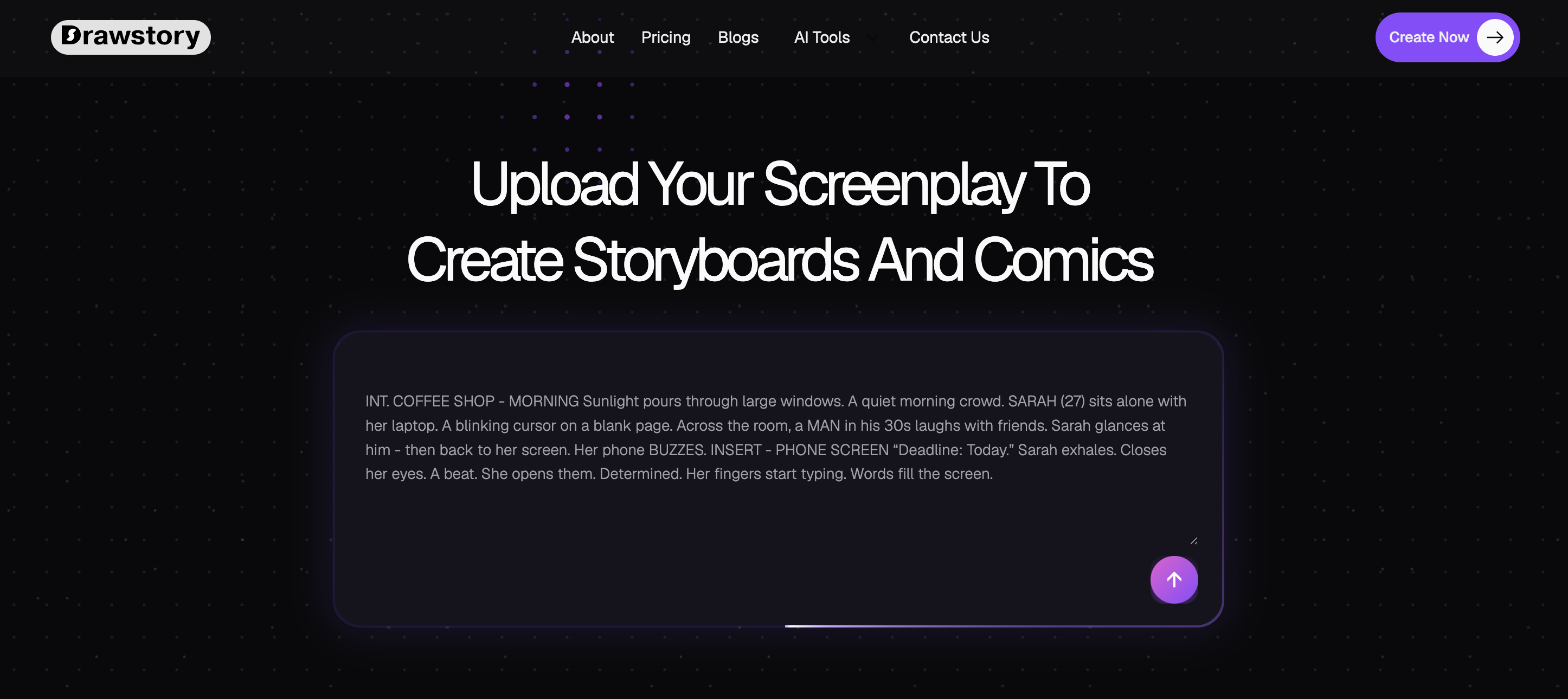
Drawstory is built for the writer, not the prompt engineer. It's an AI comic and book illustrator that lets anyone write, generate, and customize illustrated pages directly from a manuscript. Instead of prompting an image model page by page, you upload your story and Drawstory breaks it into scenes, generates the artwork, and keeps your characters looking the same from the first illustration to the last.
Drawstory gives authors visual control over their own book. It doesn't aim to replace illustrators - it exists for the moments when hiring one isn't realistic, and for writers who want to see their story illustrated before committing to a final printed edition.
Key Features
- Upload your story and generate illustrations — paste your manuscript and get a full, page-by-page set of illustrations instead of prompting each image by hand.
- No prompt-per-page required — Drawstory reads the story and sequences the scenes for you.
- Character consistency — your characters keep the same faces, outfits, and look across every page.
- Upload your own characters — bring your own designs into the book so the cast matches your vision.
- AI prompt editor — tweak details in any illustration through a simple editor, no prompt-engineering skills needed.
- Speech bubbles — add dialogue and narration directly onto pages for comic-style book formats.
Pricing
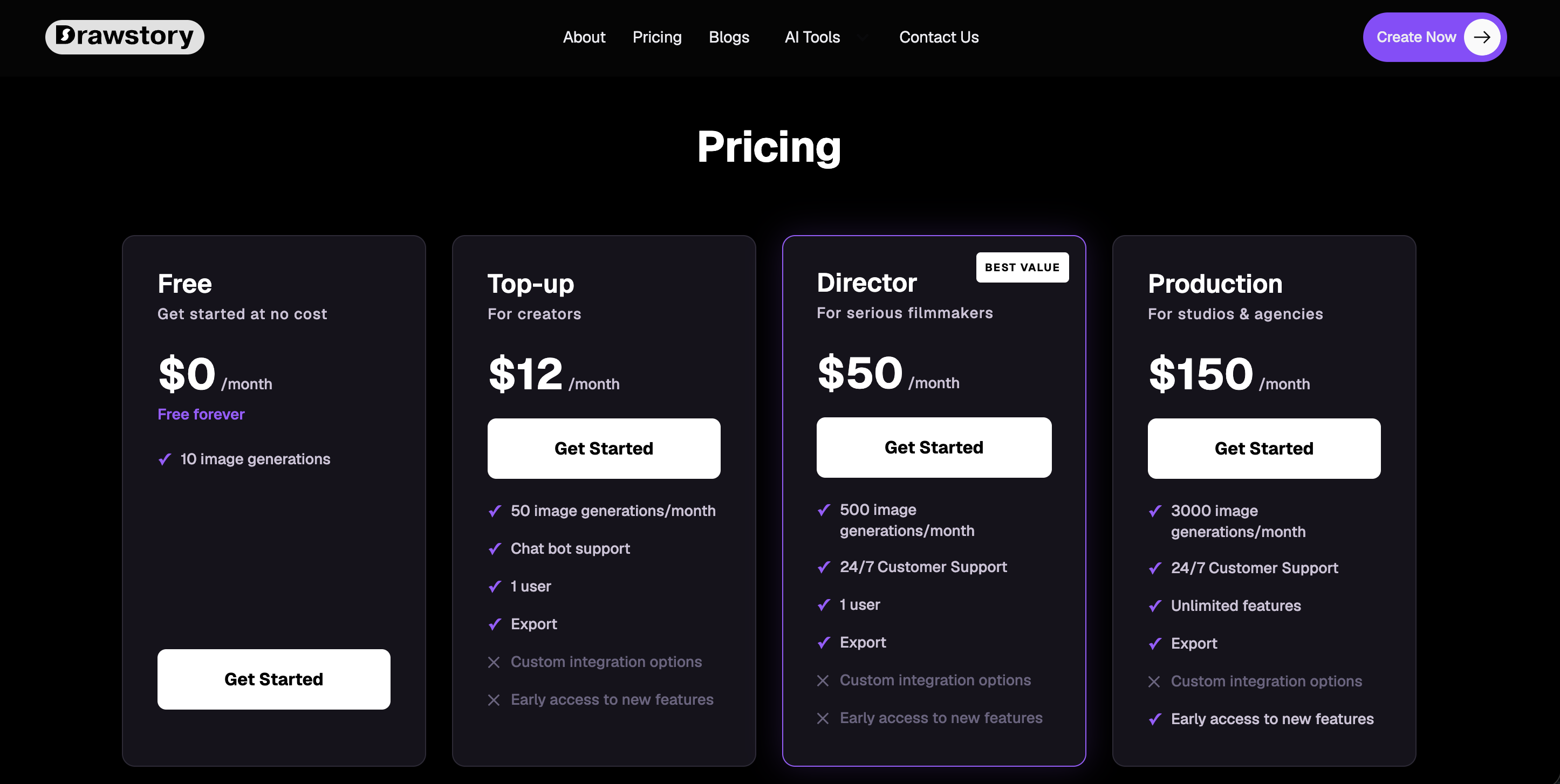
- Free — $0/month. 10 panels/month, 1 user.
- Director — $50/month. 500 panels/month.
- Production — $150/month. 3000 panels/month, export, 24/7 support.
- Enterprise — Custom pricing for teams.
Check drawstory.ai/pricing for the latest plans.
Pros
- Purpose-built for authors: upload a manuscript and get a sequenced set of illustrations, not disconnected images.
- Strong character consistency without manual reference juggling.
- Upload-your-own-character support keeps the cast true to your vision.
- AI prompt editor lets non-technical authors refine illustrations without learning prompt syntax.
Cons
- Built around narrative storytelling rather than one-off single images.
- Image-per-month limits on lower tiers mean longer books may need a higher plan.
- Print self-publishing may still benefit from a final design pass.
Example: An author uploads a finished picture-book manuscript, uploads their main character, and generates a full set of consistent illustrations across every page — then uses the AI prompt editor to adjust one page's color palette, without writing a single prompt.
2. YarnSaga - Best for Graphic-Novel Style Adaptations
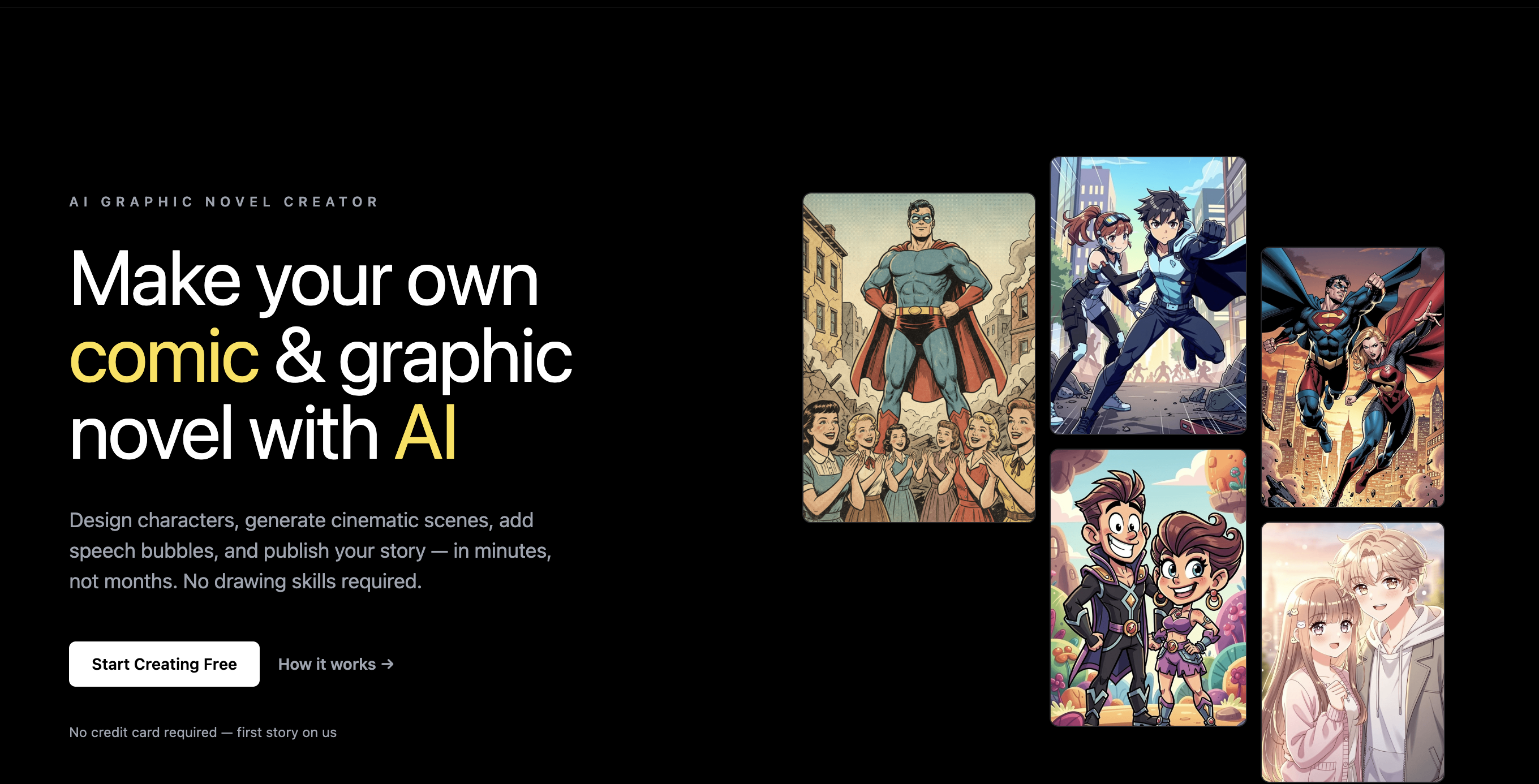
YarnSaga is built for authors adapting prose into a fully illustrated, panel-based format. Its character reference system is designed to hold a character's face, hair, and costume steady whether it's panel 5 or panel 500 — a common failure point for general-purpose image generators.
Key Features
- Character reference system built to prevent visual drift across long books.
- 20+ art styles, including Modern Cinematic, Studio Ghibli, Noir, and Franco-Belgian.
- Story → chapter → page → panel structure that mirrors real book production.
- Sketch-to-panel and photo-to-character tools for placing your own character designs into scenes.
- One-click publishing to a shareable reader link.
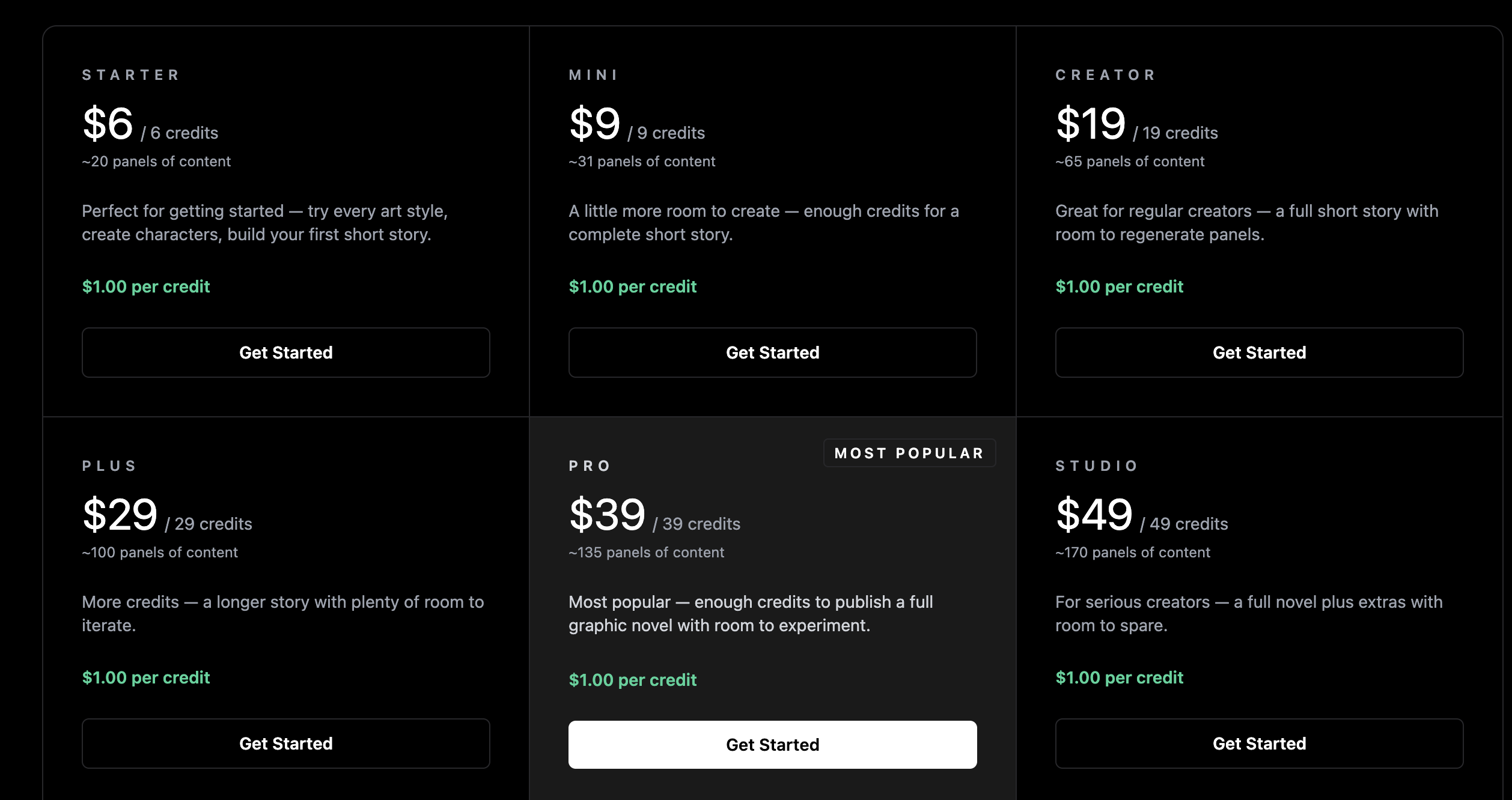
Pricing: Free first story to test the workflow; after that, YarnSaga runs on one-time credit packs rather than a subscription.
Pros
- Purpose-built to prevent the "different face every page" problem.
- No forced subscription — pay only when you need more credits.
- Wide range of dramatic, narrative-appropriate art styles.
Cons
- Leans toward panel/graphic-novel format rather than single full-page illustrations.
- Currently in private beta, so access and features may still be evolving.
Example: An author adapts three key chapters of their novel into an illustrated graphic-novel excerpt, keeping the protagonist's face and outfit identical across more than 40 panels.
3. LlamaGen AI - Best for Long-Form & Print Self-Publishing
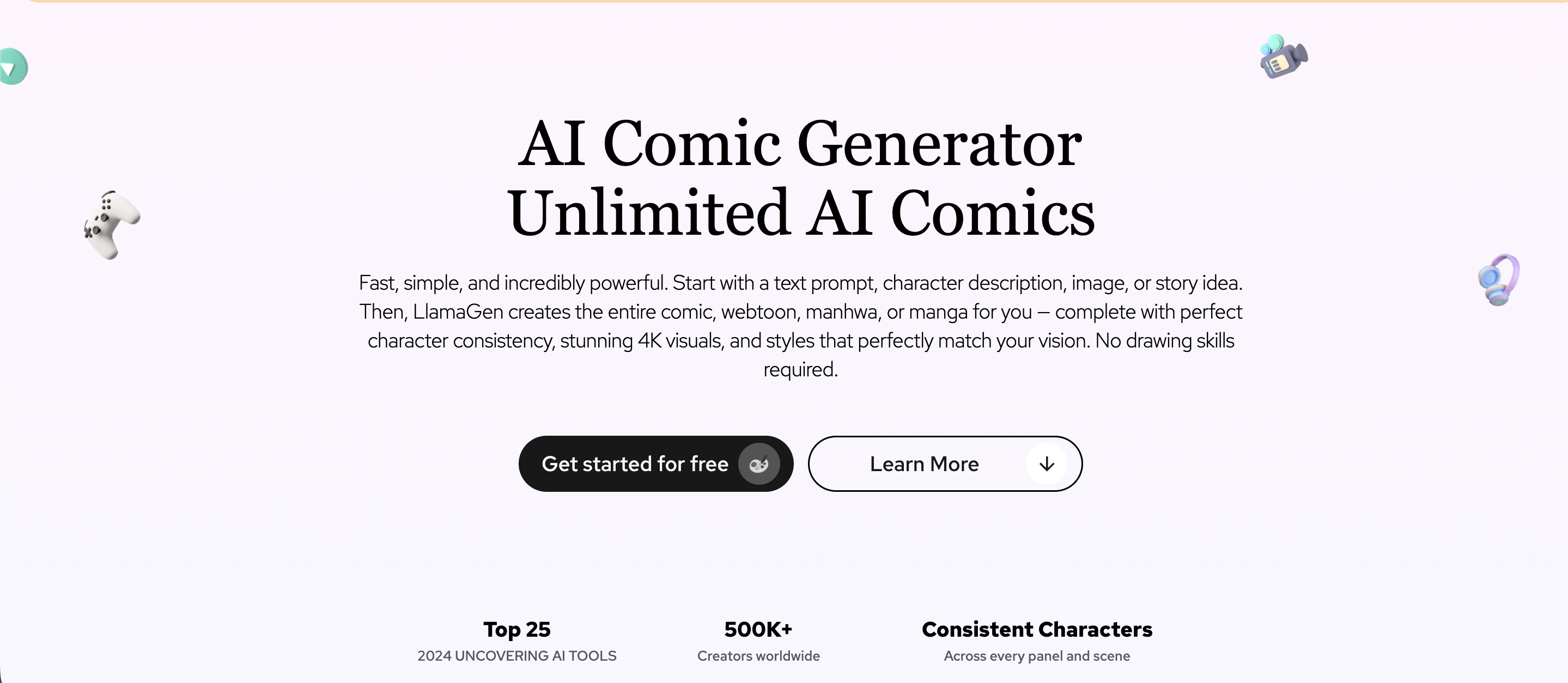
LlamaGen.AI is a platform for comics, manga, and illustrated books, with character design consistency, storyboard generation, and a range of artistic styles suited to long projects.
Key Features
- LoRA-based character consistency across many pages.
- 4K image quality suited to print.
- Comic-to-video conversion and multimodal storytelling tools.
- API access for larger publishing workflows.
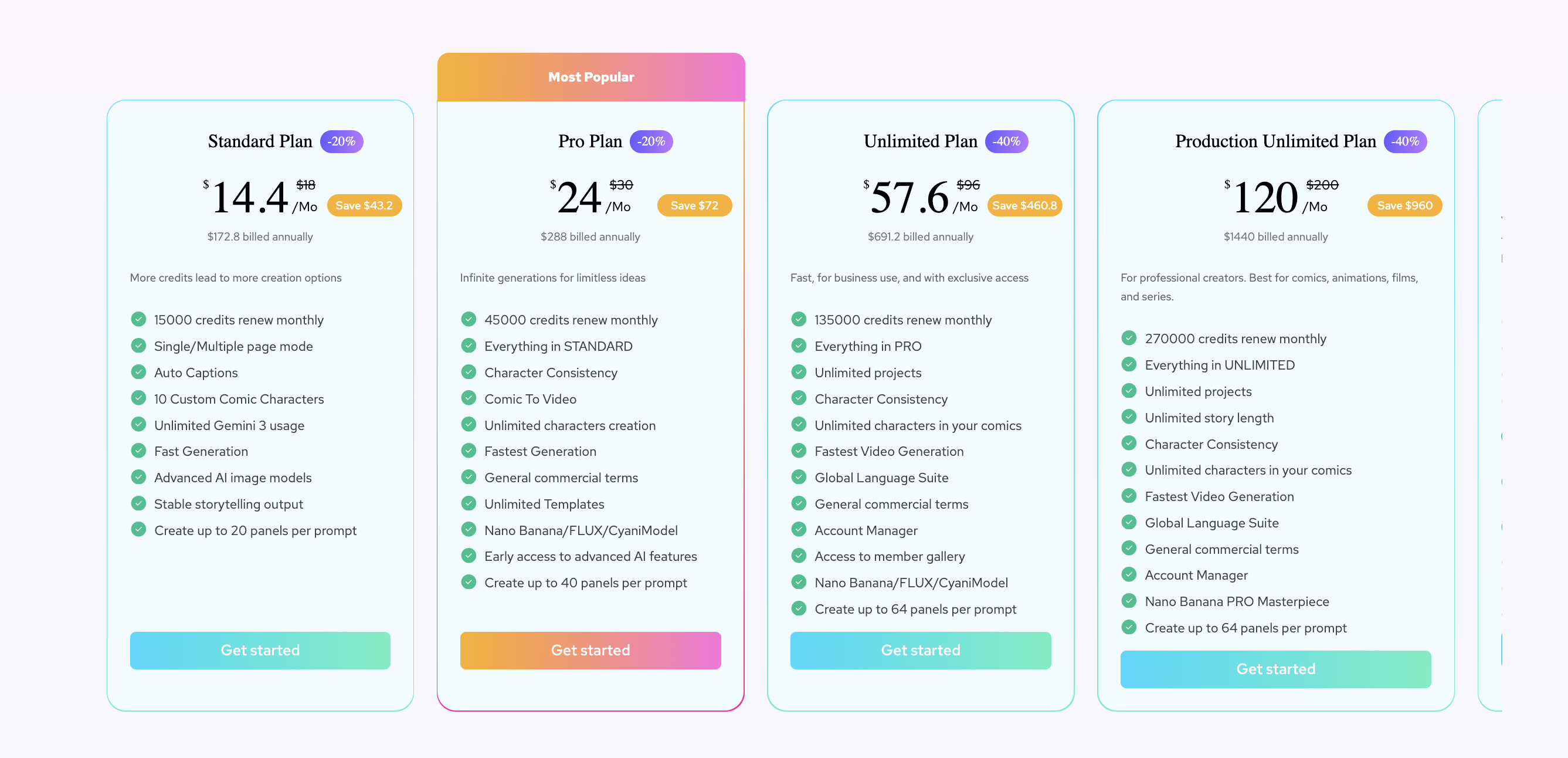
Pricing: Free Forever plan with 1,000 initial credits; Standard at $11/month (15,000 credits); Pro at $18/month (45,000 credits).
Pros
- Strong character consistency for full-length books.
- Print-friendly resolution.
- Flexible export and multi-format output.
Cons
- Credit-based system can add up on large illustration projects.
- Larger commercial print runs may need a higher-tier plan.
Example: An indie author illustrates a full 200-page graphic novel adaptation of their manuscript with one consistent cast, then exports print-ready 4K pages.
4. Midjourney — Best for Standalone Art Quality
Midjourney isn't a book-illustration platform, but it's arguably the most powerful general-purpose AI image generator available — a strong choice for a book cover or a handful of key full-page illustrations where art quality matters more than sequencing an entire manuscript.
Key Features
- Niji Mode tuned for anime and manga aesthetics.
- The
--crefparameter for keeping a character consistent across separate generations. - Wide stylistic range through detailed prompting.
Pricing: No free trial; plans start at $10/month.
Pros
- Unmatched single-image art quality.
- Excellent for cover art and key promotional illustrations.
Cons
- Requires the Discord app, which can confuse new users.
- Only produces images — page layout and book assembly happen elsewhere.
- No native manuscript-to-pages workflow, so consistency across a full book takes manual effort.
Example: An author generates a striking cover illustration and three key full-page scene illustrations in Midjourney, then lays out the finished book in Canva.
5. Leonardo AI — Best Budget Option for Consistent Characters
Leonardo AI pairs a web-based dashboard (no Discord needed) with a dedicated Character Reference tool, making it a lower-cost alternative to Midjourney for authors who need a character to look the same across several illustrations.
Key Features
- Character Reference and custom model training for consistent protagonists.
- Canvas editor with inpainting and outpainting for fixing individual illustrations.
- Large daily free-tier token allowance for casual testing.
Pricing: Free plan with daily tokens; paid plans generally start around $12/month, with higher tiers for heavier use — confirm current tiers on Leonardo's pricing page, as plan names and limits have shifted through 2026.
Pros
- Friendlier, browser-based interface compared to Midjourney.
- Meaningfully cheaper entry point for consistent-character work.
- Canvas tools make it easier to fix a single illustration without regenerating the whole page.
Cons
- Like Midjourney, it's an image generator rather than a manuscript-to-book tool — no built-in page sequencing.
- Complex multi-character scenes can still be inconsistent.
Example: An author locks in a character reference for their protagonist, then generates a dozen scene illustrations for a chapter book while keeping the character's look intact.
6. Canva — Best for Page Layout & Text Placement
Canva isn't a dedicated AI illustrator, but it's the easiest place to assemble a finished book once your illustrations exist. Authors who generate art in a tool above often finish the job in Canva, placing text, captions, and page numbers.
Key Features: Book and comic templates, drag-and-drop page layouts, a strong typography and text-placement editor, and a large stock asset library.
Pricing: Free plan is generous; Canva Pro unlocks more AI features and assets for about $15/month.
Pros
- Easiest layout and text-placement experience available.
- Massive template library for book pages, covers, and back matter.
- Ideal companion for assembling illustrations generated elsewhere.
Cons
- No native character consistency — it's a layout tool, not an image generator.
- Illustration and storytelling are entirely manual.
Example: An author imports illustrations generated in Drawstory, drops them into a Canva picture-book template, and adds page text to produce a print-ready file.
How to Choose the Right AI Book Illustrator
The right tool depends on what kind of book you're making. If you're an author who wants to upload a manuscript and get a sequenced set of consistent illustrations without prompt engineering, Drawstory is the most direct fit. If you're adapting your book into a graphic-novel or panel format, YarnSaga and LlamaGen.AI are built for that. If you need the highest possible art quality for a cover or a handful of standout scenes, Midjourney and Leonardo AI lead - just pair either with a layout tool like Canva to finish the book.
One pattern works for almost everyone: pair a storytelling-focused illustrator with a layout tool. Generate your pages in a dedicated AI book illustrator, then finish text placement and export in Canva. And keep the framing in mind throughout - these tools amplify an author's storytelling; they don't replace the craft of a professional illustrator.
Ready to turn your story into consistent panels and illustrated book?
Bring your story to Drawstory, upload your characters, and generate a full set of consistent illustrations - no drawing or prompt skills required. Start free at Drawstory.
Frequently Asked Questions
Got Questions?
Find clear answers to common questions about Drawstory, our services, process, and how we bring your ideas to life.
What is an AI book illustrator?


What is the best AI book illustrator in 2026?
Is there a free AI book illustrator tool?
Do AI book illustrator tools keep characters consistent across pages?
Will AI replace book illustrators?



