try now
What Is AI Previsualization?
AI previsualization software uses artificial intelligence to create visual plans for film scenes before production begins. Traditional previs required 3D artists, expensive software like Maya or Unreal Engine, and weeks of production time. AI-powered tools compress that process from weeks to hours. Drawstory is built for directors and creative teams who need to visualize their script quickly. Upload a screenplay, and the AI assistant director identifies every scene, character, and location. It generates a structured shot list and visual storyboard you can review, customize, and share with your crew.
How it works
01
Upload your script
Paste or upload your screenplay in any standard format. The AI assistant director reads the full script and breaks it down by scene.
02
AI detects scenes, characters, and locations
The engine identifies every character, setting, prop reference, and implied camera direction across your entire screenplay. What used to take a production assistant hours of manual breakdown happens in seconds.
03
Review your shot list
Drawstory generates a structured shot list for each scene, complete with suggested camera angles and shot types. You can edit, reorder, or add shots as needed
04
Generate visual storyboards
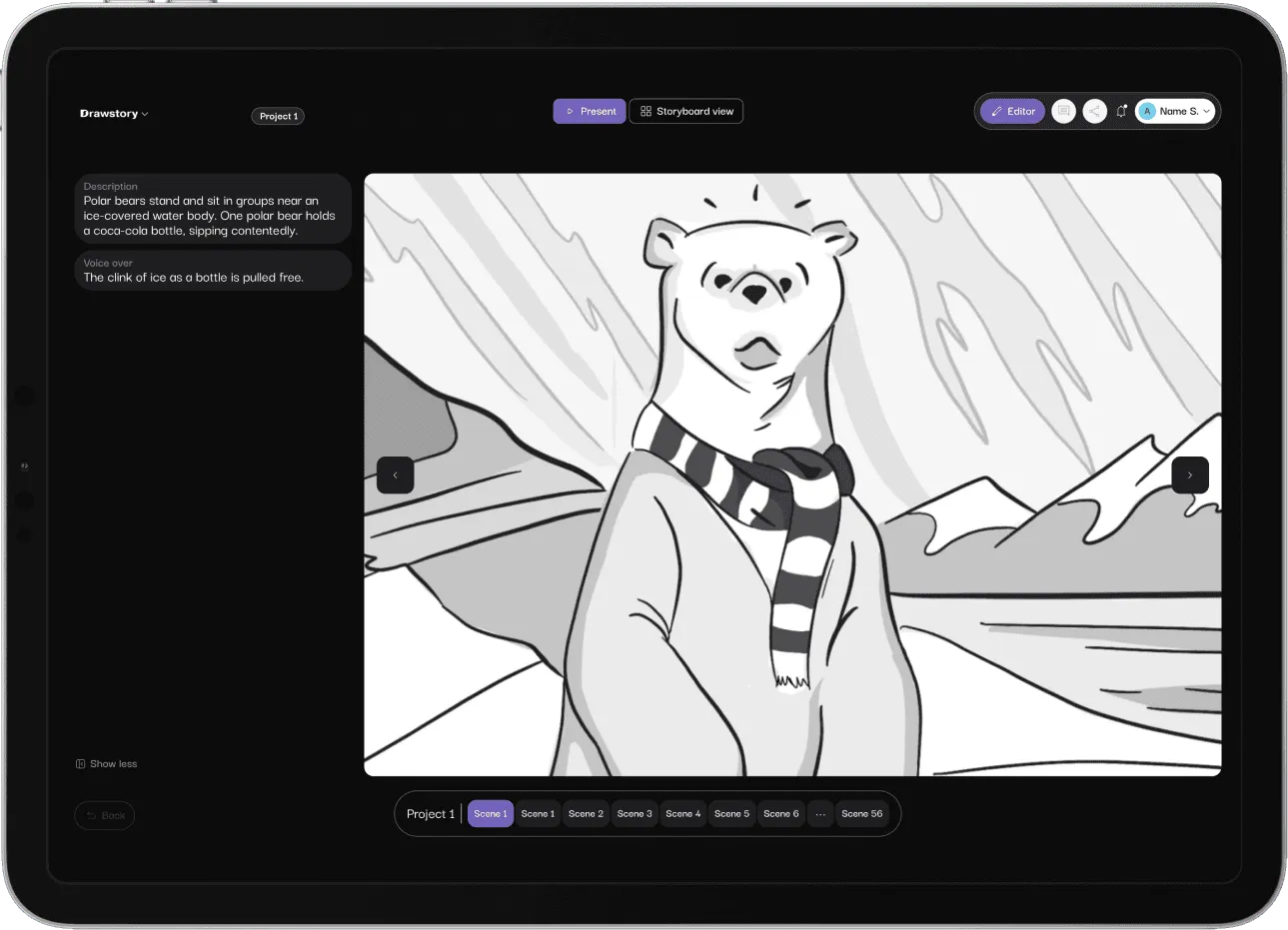
Each shot becomes a visual frame - storyboard. The AI maintains character consistency across your entire project, so characters look the same from scene one to scene one hundred.
05
Customize and direct
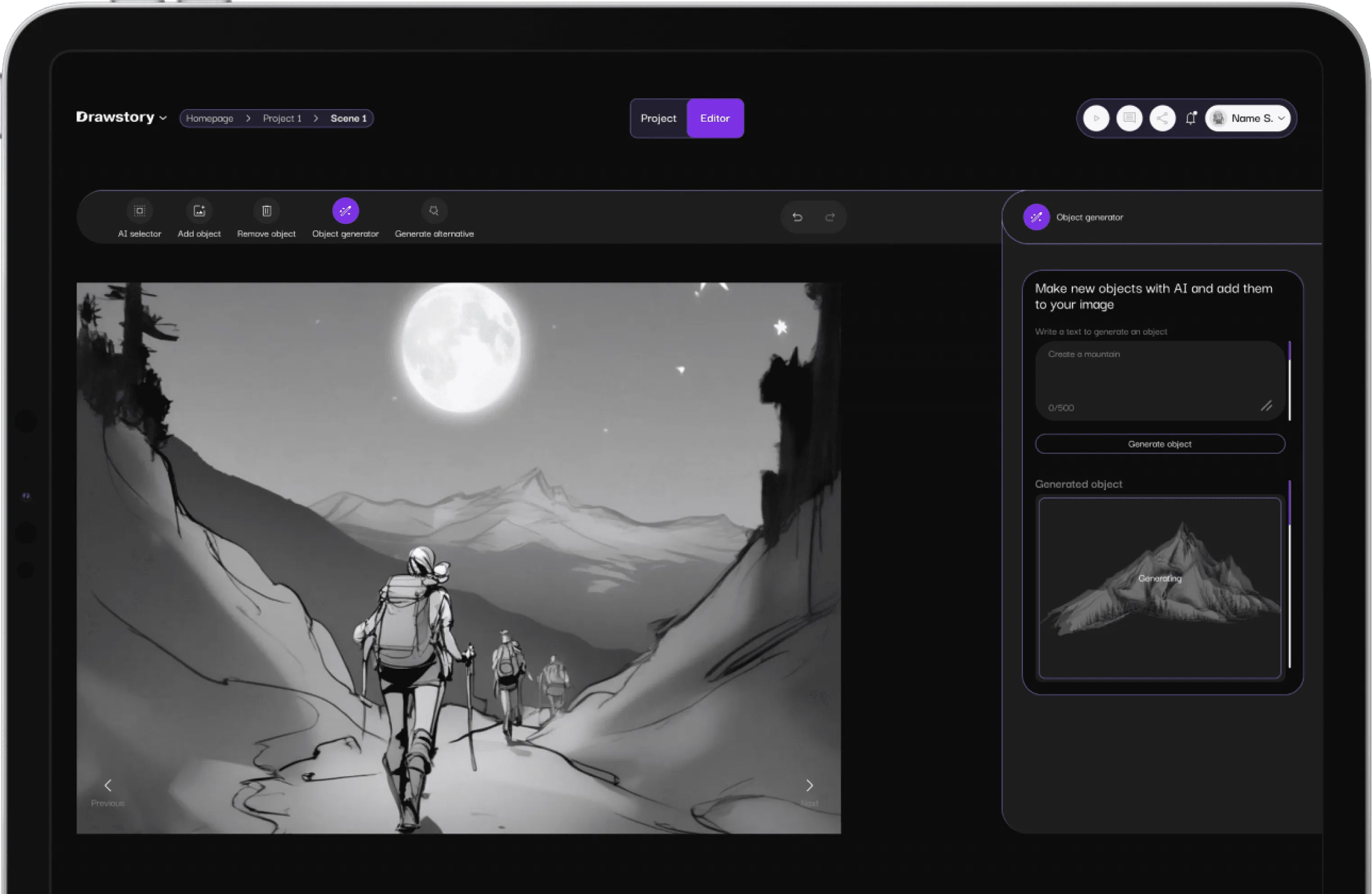
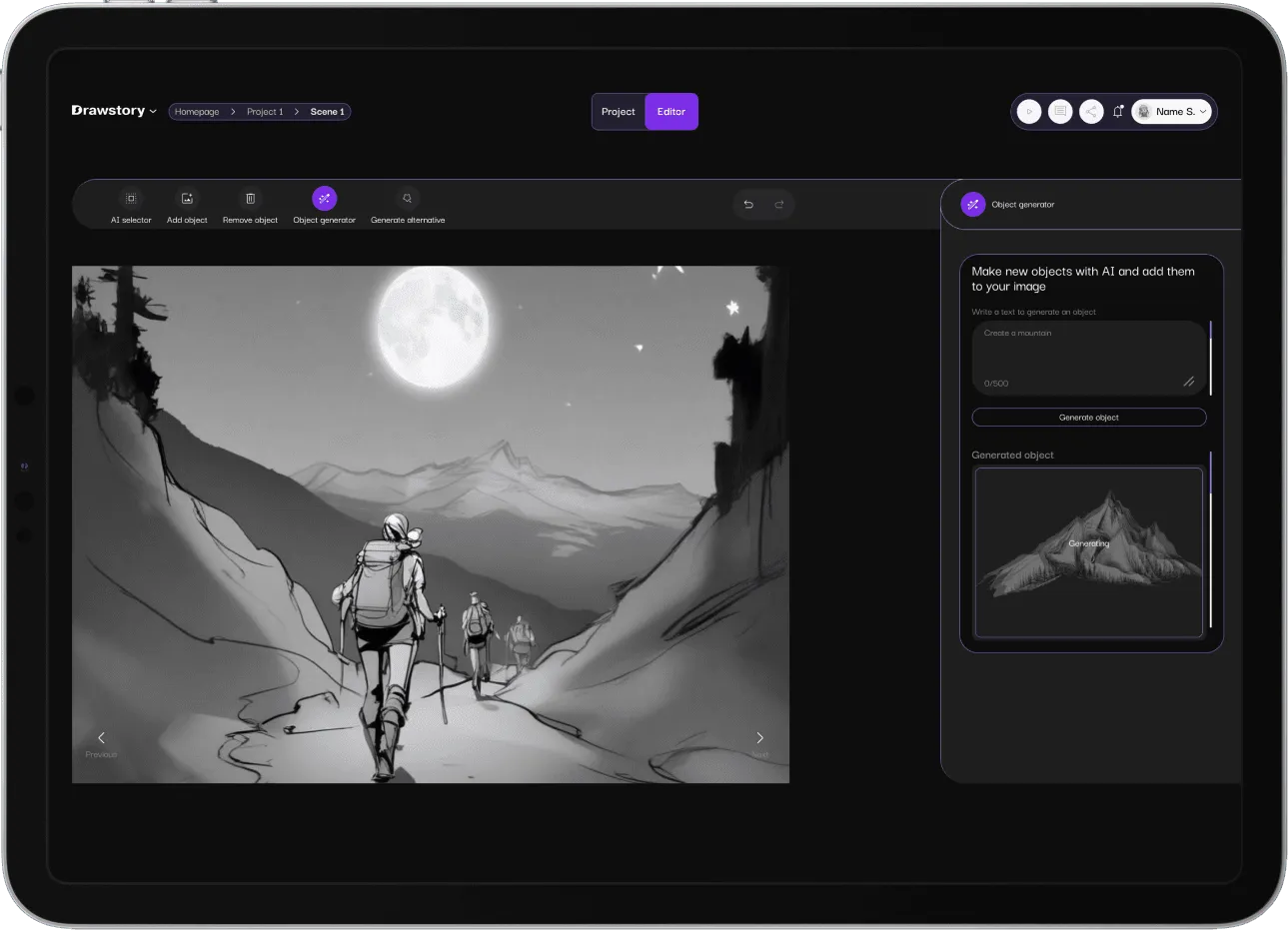
Adjust compositions, swap camera angles, refine character looks, and iterate until every frame matches your vision. No prompts required.
06
Export and share
Download your storyboards as images, PDF, or pitch deck format. Share directly with your DP, VFX supervisor, editor, or production team.
Key AI Features for filmmakers
Script To Storyboard Conversion
Upload a screenplay and get visual storyboards without writing a single prompt. The AI reads your script and translates written scenes into visual frames automatically.

AI Scene Detection
The AI assistant director breaks down your script by scene, identifying characters, locations, props, and action beats. Every scene gets its own organized shot list.
Who Is Drawstory’s Previs AI For?
Independent filmmakers who need to plan complex sequences on a limited budget. Traditional previs costs thousands. Drawstory starts free.
Commercial directors and ad agencies who need client-ready storyboards fast. Visualize a 30-second spot in minutes instead of days.
Film students and educators learning shot design, composition, and visual storytelling through hands-on previs creation.
Production companies managing multiple projects who need a centralized platform for script breakdowns, shot lists, and storyboards.
Drawstory vS Traditional Previsualization
Traditional Previs
Drawstory Previs AI
Timeline
2-4 weeks
Minutes to hours
Software needed
Maya, Unreal Engine, Blender
None (browser-based)
Skill required
3D artist / technical director
Upload a script
Skill required
Per project
Free plan available; Pro from $32/mo
Character consistency
Manual (artist-dependent)
Automatic across all frames
Output
3D animation sequences
Storyboards, shot lists, pitch decks
Frequently Asked Questions
Got Questions?
Find clear answers to common questions about Drawstory, our services, process, and how we bring your ideas to life.
How does Drawstory’s previs AI work?


Can I customize the AI-generated storyboards?
How is AI previs different from traditional 3D previsualization?
Do I need any technical skills to use Drawstory?
What's included in the pro plan?
Let's Work Together
The Best AI Previsualization
Upload a script and get a complete storyboard in minutes. Drawstory’s AI assistant director handles scene detection, character creation, and shot planning so you can focus on directing.



