Get Drawstory free

Frequently Asked Questions
Find clear answers to common questions about Drawstory, our services, process, and how we bring your ideas to life.
Drawstory’s AI storyboarding tool works best with English scripts, but it also supports many global languages. As long as your script is clear, the AI for storyboarding can interpret your scenes and visulize script. English Spanish French German Italian Portuguese Dutch Russian, Armenian Chinese (Simplified & Traditional) Japanese Korean Arabic Turkish Polish Ukrainian Vietnamese Indonesian
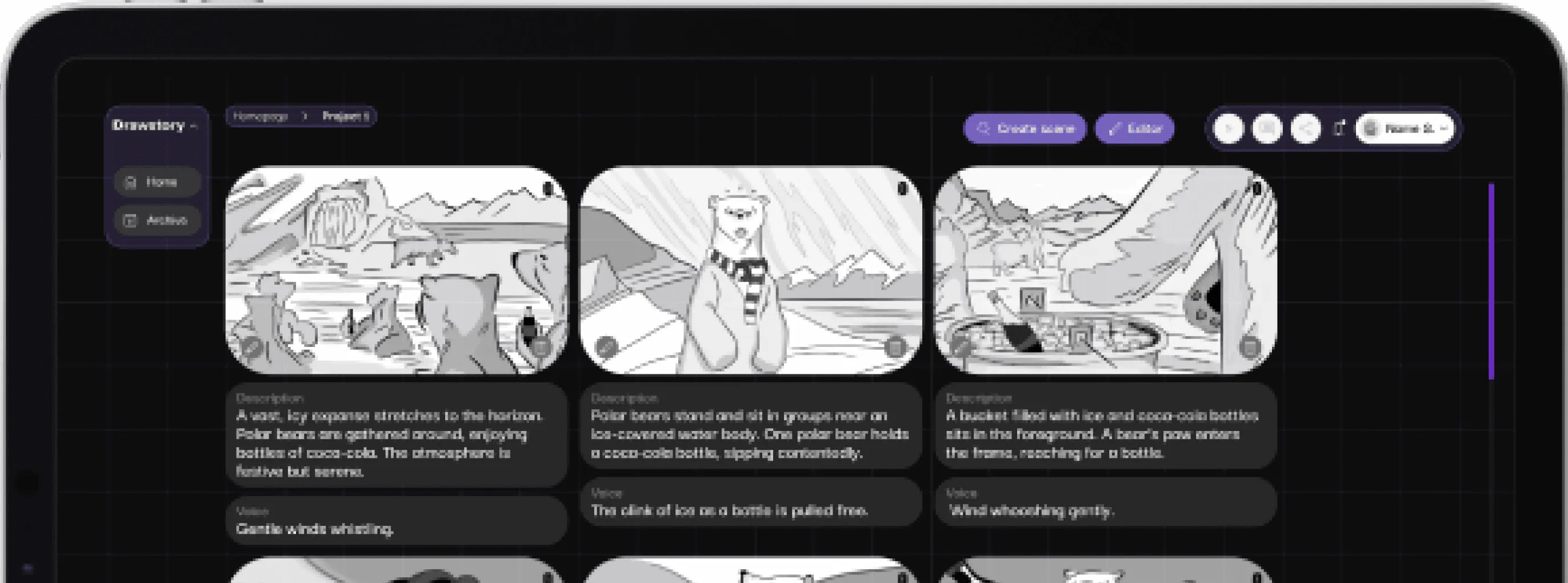
Yes. After uploading your script, Drawstory can automatically generate a complete pitch deck. The AI storyboarding system organizes your scenes, visuals, and descriptions into a polished presentation, making it easy to pitch your film, series, or animation project.
Drawstory allows you to paste scripts up to 87 pages. The AI storyboarding tool can handle full-length films, TV series, commercials, animation series without requiring you to split your script into smaller parts.
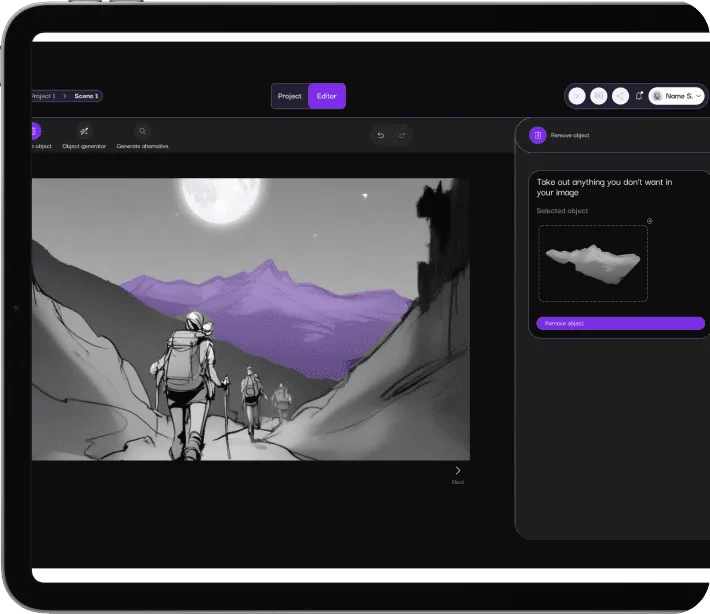
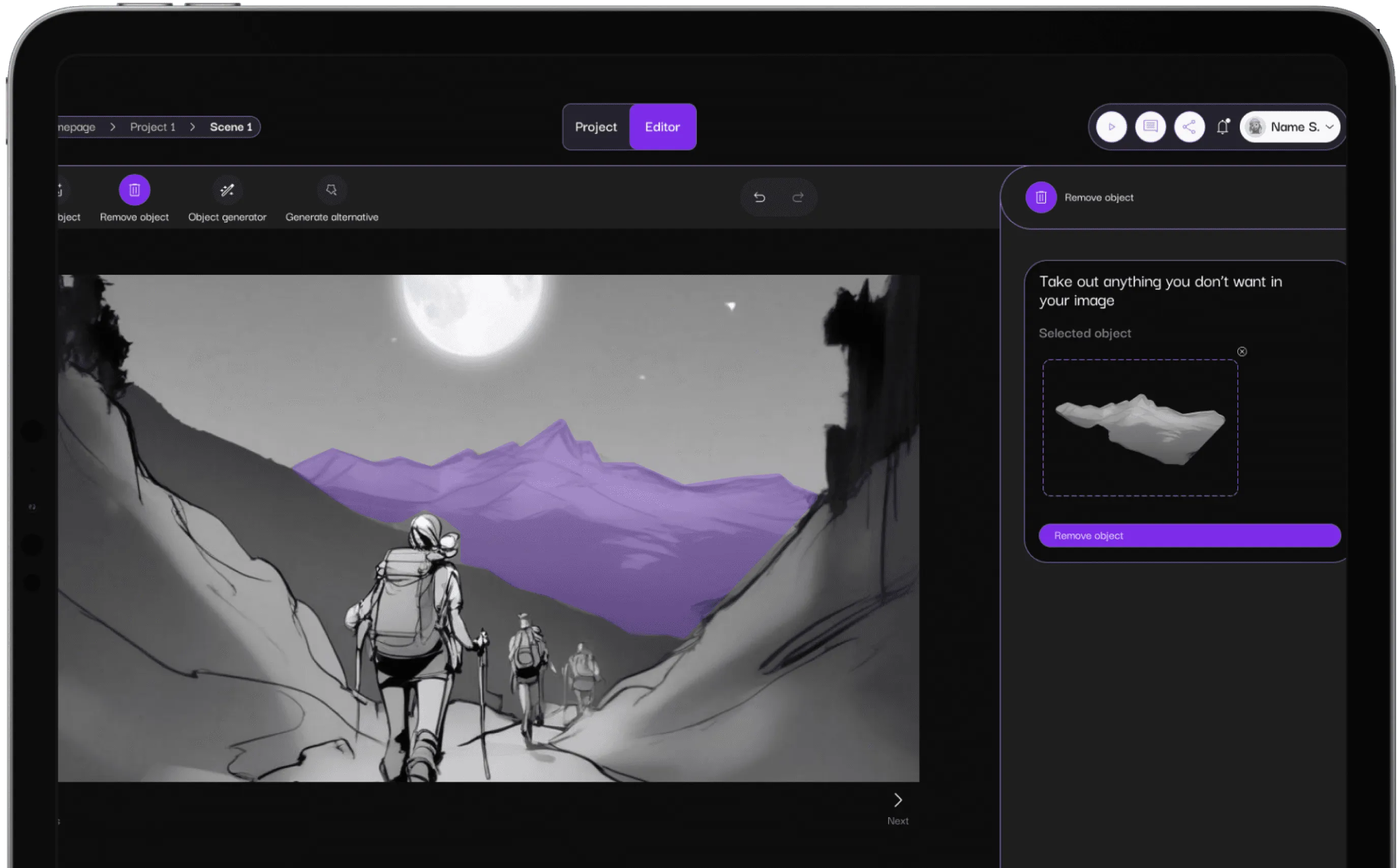
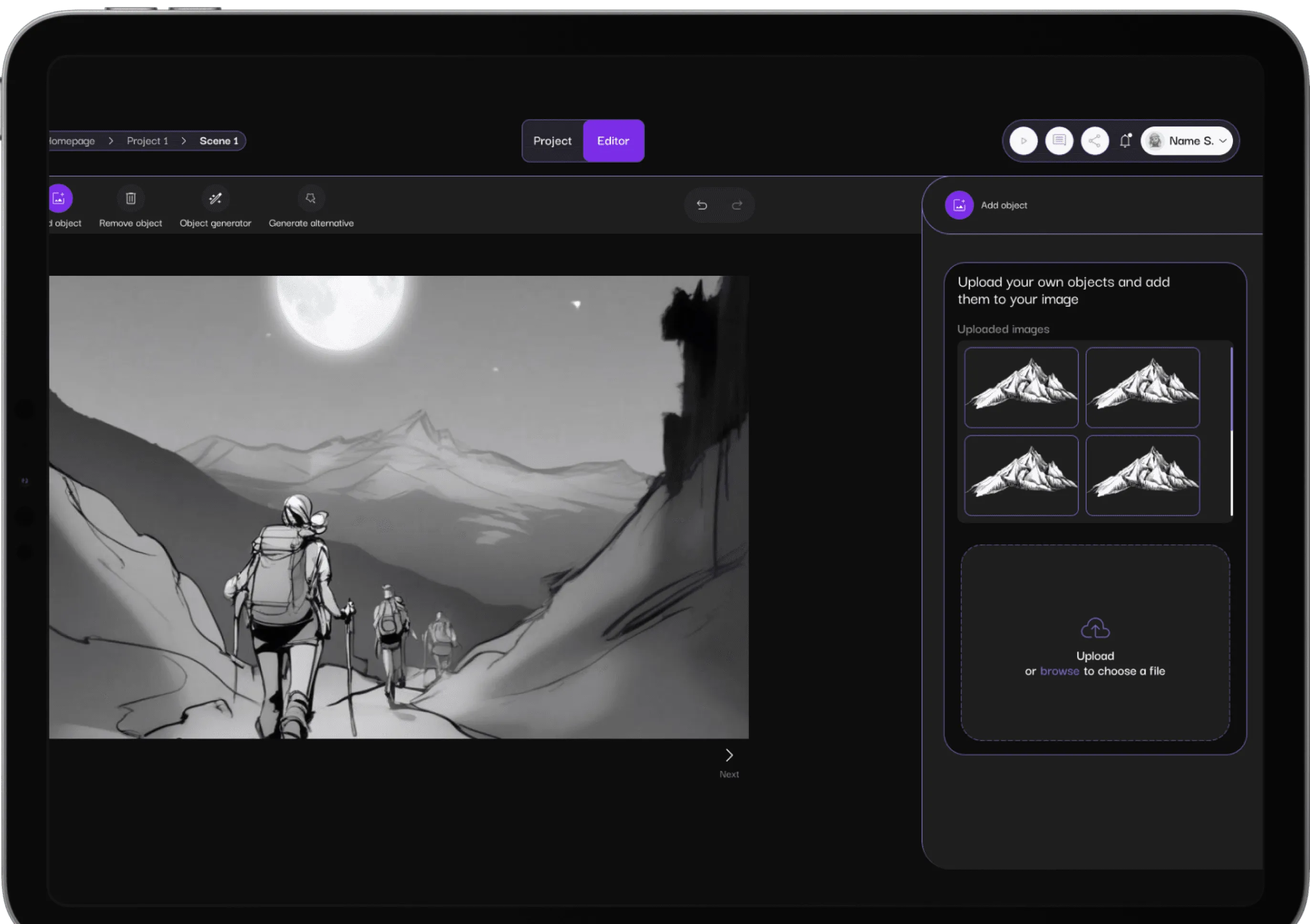
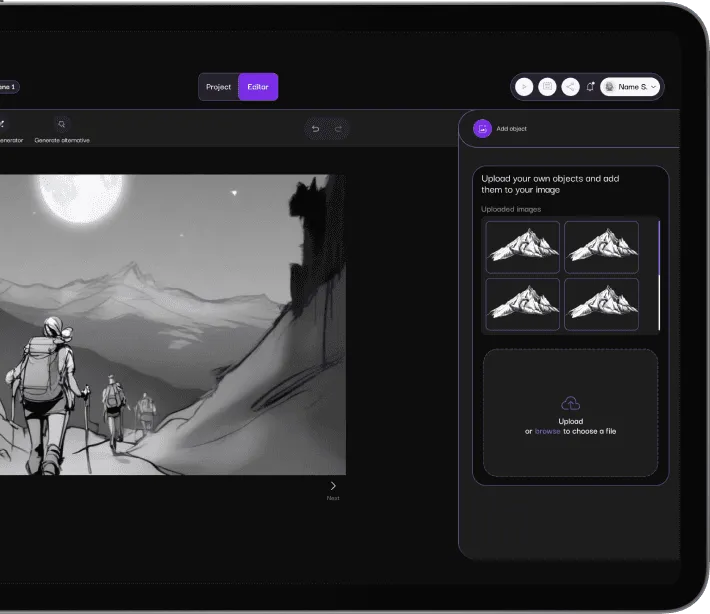
Yes. Drawstory includes powerful image-editing features that let you change or replace objects directly inside the shot. Whether you want to adjust a prop, tweak a background detail, or customize a character, the AI storyboarding tool makes it simple and fast.
Absolutely! When you remove an object, Drawstory keeps the rest of the shot intact. The AI storyboarding engine only modifies the specific element you choose, preserving your overall composition, framing, and character positions.