Sign Up
CGI vs AI in Video Production: Key Differences Explained [2026]
Author:
Narek Ghazaryan
Date:
May 6, 2026
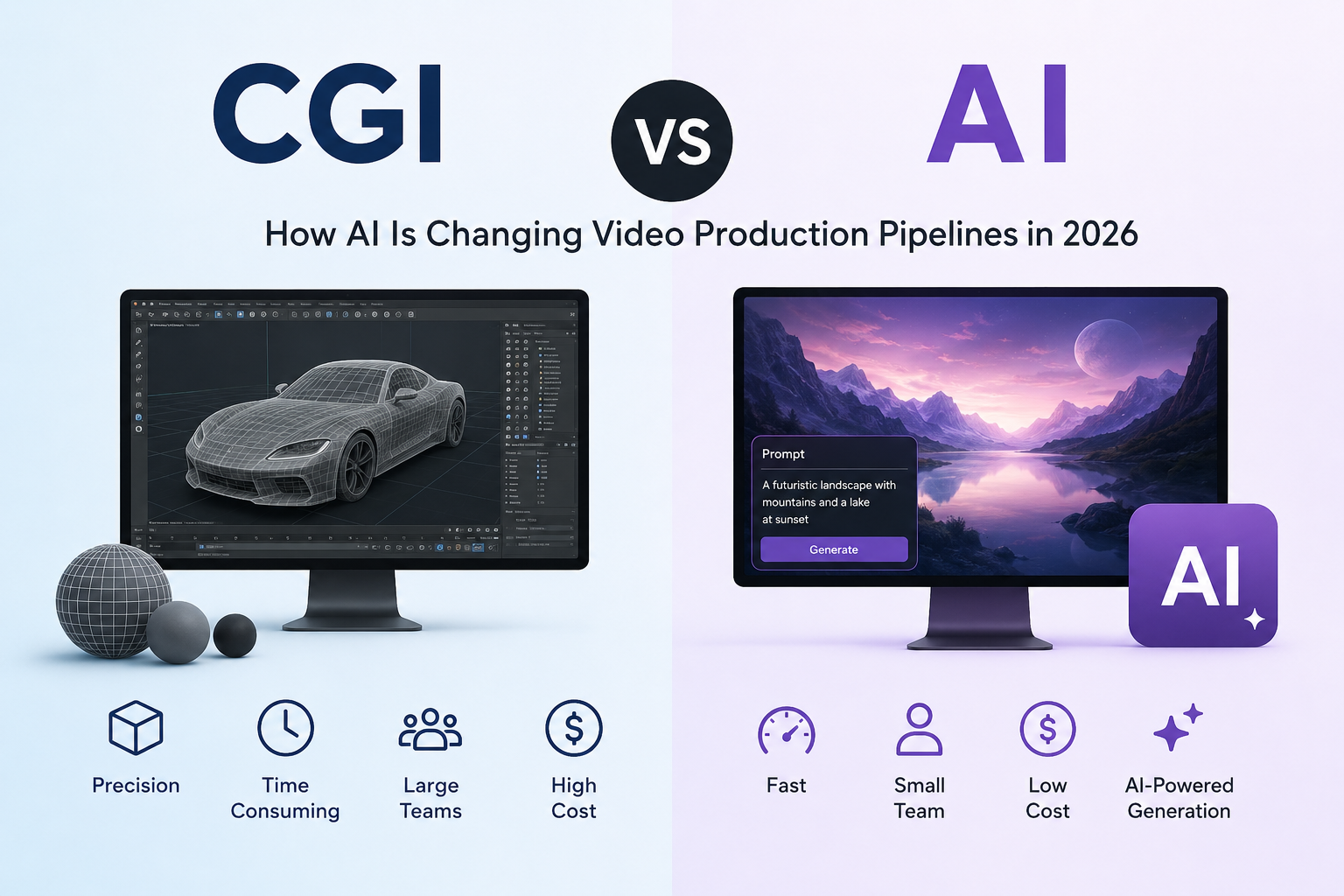
The CGI vs AI debate matters for every video production team planning a project in 2026. Studios that relied on CGI for decades now face a choice. AI tools generate visuals faster and cheaper. But CGI still delivers precision that AI cannot match.
Understanding what is CGI vs AI helps producers pick the right tool for each stage of production. This guide breaks down the difference between CGI and AI across control, cost, speed, and quality. It also covers how leading studios combine both in a single pipeline.
What Is CGI in Video Production?
CGI stands for computer-generated imagery. Artists build 3D models, apply textures, configure lighting, and render each frame through simulation software. Every surface, shadow, and reflection follows rules that the artist controls.
Traditional CGI powers blockbuster films, AAA games, and broadcast commercials. A single frame of feature-film CGI can take hours to render. A full scene might need weeks of compute time on a render farm.
Standard CGI tools include Maya, Blender, Cinema 4D, and Houdini. Each requires specialized training. A CGI artist typically needs two to four years of experience before producing broadcast-quality work.
The tradeoff is clear. CGI gives total control over every pixel. That control costs time, money, and expertise.
What Is AI-Generated Video?
Is CGI AI? Not in the traditional sense. AI-generated video uses machine learning models trained on large datasets. The model learns visual patterns and generates new content from text prompts or reference images.
AI CGI tools like Runway, Kling, Pika, and Sora produce video clips in seconds. No 3D modeling. No texturing. No render farm. The user describes what they want. The model generates it.
The CGI vs AI tradeoff here is direct. One path requires technical artistry. The other requires clear creative direction. AI handles the compute-heavy generation. The creator guides output through prompts, reference images, and style parameters. Outputs are probabilistic, not deterministic. Two identical prompts can produce different results.
CGI vs AI: How They Compare
The difference between CGI and AI comes down to six factors that matter in production.
- Control: CGI lets artists place lights, adjust materials, and animate each vertex by hand. AI generates results from probabilistic models. The output follows the prompt but rarely with millimeter precision.
- Cost: A one-minute CGI commercial costs $10,000 to $100,000 depending on complexity. AI generated CGI alternatives cost $50 to $500 for similar length. The gap narrows as quality requirements rise.
- Consistency: CGI maintains perfect visual identity across every shot. The same 3D model renders identically in scene one and scene fifty. AI content can shift character appearance between clips.
- IP and legal clarity: CGI assets are built from scratch. Ownership is clear and documented. AI-generated visuals may use training data with unclear licensing. This creates risk for commercial campaigns that need full rights clearance.
Where AI Is Replacing CGI
The CGI vs AI balance is shifting in several production areas.
- Concept visualization: Studios generate concept art and mood boards with AI before investing in full CGI. What took a concept artist days now takes minutes.
- Pre-production previews: Teams create rough scene mockups with AI before building final assets. Previsualisation workflows let directors test camera angles and compositions without waiting for CGI renders.
- Social media content: Brands producing high volumes of short-form content use AI for visuals that would cost too much as CGI. The quality bar for social platforms sits below broadcast standards. AI meets it consistently.
- Ad production at scale: Product visualization for e-commerce increasingly uses AI over CGI. A brand generates hundreds of scene variations in the time CGI produces one. Early adopters report cutting visual production costs by 60 to 80 percent.
- Storyboard to video: AI tools convert storyboard frames directly into moving footage. Video production with storyboarding covers how this pipeline works across traditional and AI methods.
The AI video generation market reached $946 million in 2026 with a 20.3% CAGR projected through 2033 (source: Grand View Research). That growth reflects how fast AI absorbs work that previously required dedicated CGI teams.
Where CGI Still Wins
Despite these shifts, the CGI vs AI comparison still favors CGI in four key areas.
- Feature films and broadcast: Audiences expect photorealistic quality and frame-perfect consistency. CGI delivers both. AI cannot match the precision that theatrical releases and broadcast spots demand.
- Character animation: Complex character performances need rigged 3D models with predictable motion. AI generates impressive single shots but struggles with consistent movement across long sequences. A character must look identical in every frame. CGI guarantees this.
- Technical accuracy: Medical visualization, architectural rendering, and engineering simulations require exact measurements. CGI models surfaces with precision down to the millimeter. AI approximates visual appearance but cannot guarantee dimensional accuracy.
- Interactive media: Games need real-time 3D assets that respond to player input. CGI pipelines produce assets with precise polygon counts and optimized textures. AI generation remains a pre-rendered workflow for now.
Film composition principles apply equally to both CGI and AI content. The framing rules stay the same regardless of how the pixels reach the screen.
The Hybrid Production Pipeline
The smartest studios stopped treating CGI vs AI as either-or. They combine both technologies across a single production pipeline. This hybrid model captures the speed of AI and the precision of CGI.
A typical hybrid workflow follows this sequence:
- AI generates concept art from text descriptions of scenes and characters.
- Artists refine AI outputs into production-ready style guides and model sheets.
- AI creates storyboard panels that map every shot in the sequence.
- CGI teams build final assets using AI concepts as visual reference.
- AI assists post-production by filling backgrounds or generating scene variations.
How filmmakers create storyboards with AI explains how AI storyboarding connects to this hybrid pipeline. The best AI storyboard generators maintain character consistency across hundreds of panels. That gives CGI teams a clear visual target for final production.
AI filmmaking tools in 2026 covers the full landscape of tools bridging AI generation and traditional CGI production.
How Storyboarding Connects Both Pipelines
Regardless of where a team lands on the CGI vs AI spectrum, every production starts with a visual plan. Storyboards define shot composition, camera movement, and pacing before any rendering begins.
For CGI projects, storyboards guide artists on what to build and how to frame it. For AI projects, storyboard panels become direct inputs for video generation. Script to storyboard AI converts written scenes into visual panels that feed either pipeline.
The storyboard sits at the center of both workflows. It is the last shared step before CGI vs AI paths diverge into separate production methods. Getting the storyboard right saves money and prevents rework regardless of which technology renders the final frames.
Frequently Asked Questions
Is CGI the same as AI?
No. CGI is a manual production process where artists build and render 3D assets using software like Maya or Blender. AI uses machine learning models to generate visuals from prompts or reference data. CGI requires human craftsmanship at every step. AI automates the generation process. The two technologies solve different problems in a production pipeline.
Will AI replace CGI completely?
Not in the near term. The CGI vs AI balance depends on the project. AI excels at rapid concept generation, social content, and early-stage visualization. CGI remains essential for feature films, character animation, and frame-perfect consistency. Most studios in 2026 use both technologies together rather than choosing one.
Can you combine CGI and AI in one project?
Yes. Hybrid workflows are becoming the industry standard. Teams use AI for concept art, storyboarding, and rough previews. CGI handles final asset creation, character animation, and hero shots. This combination cuts pre-production timelines while maintaining broadcast-quality output for final deliverables.
Start with the Visual Plan
The CGI vs AI choice depends on budget, timeline, and quality requirements. But both paths need a strong visual foundation. Skipping the storyboard stage wastes time and money regardless of production method.
DrawStory builds storyboards that work for CGI pipelines, AI generation, or hybrid approaches. AI storyboarding built for productions that need visual plans ready for any downstream workflow.
Frequently Asked Questions
Got Questions?
Find clear answers to common questions about Drawstory, our services, process, and how we bring your ideas to life.
What is the difference between CGI and AI in video production?


Is CGI considered AI?
Will AI replace CGI in 2026?
Is AI cheaper than CGI?
Can CGI and AI be used together?



