Sign Up
50 Storyboard Prompt Examples for Film, Ads, and Animation
Author:
Narek Ghazaryan
Date:
June 16, 2026
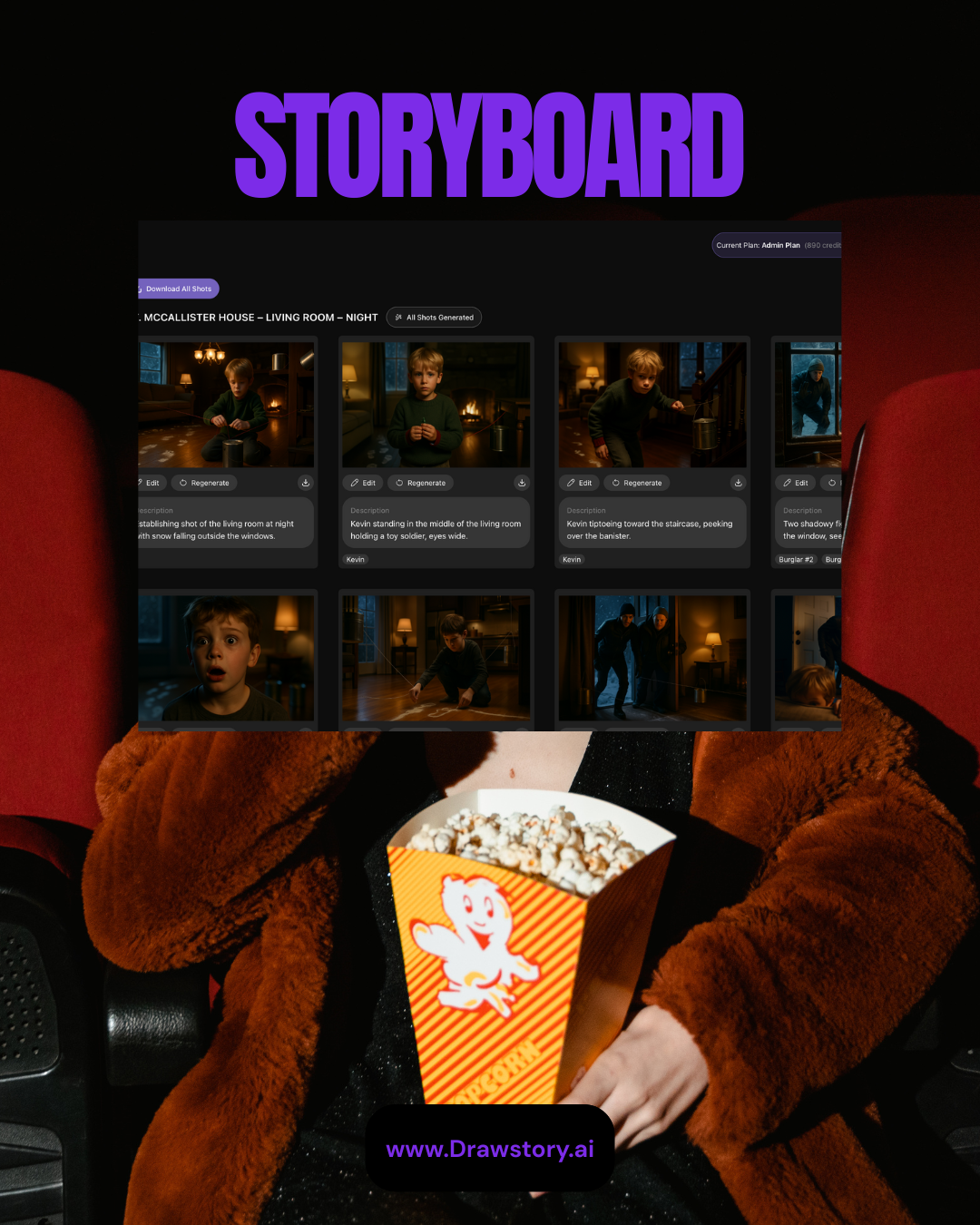
A good storyboard prompt turns an idea into a clear visual plan. It tells an AI tool or an artist what to draw. This post shares 50 storyboard prompt examples for film, ads, and animation. You can copy them, change them, and use them today. Each one names a shot type, a subject, and a mood. You will also find AI storyboard prompts built for Midjourney and Nano Banana. Use these storyboard scene prompts to plan faster and pitch with more confidence.
What Makes a Good Storyboard Prompt?
A strong prompt is short, clear, and specific. It gives the tool just enough to picture one scene. Leave out detail, and the tool will guess. Add the right details, and you stay in control. Write it the way you would brief an artist. Most good storyboard text prompts include five simple parts.
- Shot type and angle, like wide, close-up, or low-angle.
- Subject and action, such as a girl running fast.
- Setting and time of day, like a foggy harbor at dawn.
- Lighting and mood, like soft light or hard shadows.
- Style, such as film noir, anime, or stop-motion.
Keep each prompt to one clear idea. One prompt should equal one panel.
The Storyboard Prompt Formula
Use this simple formula for any scene. Fill each slot, then adjust to taste.
Put it together like this. Wide establishing shot of a lone hiker climbing a snowy ridge at sunrise, soft gold light, cinematic.
Film Storyboard Prompts
These film prompts cover drama, action, and suspense. Use them to block scenes and test your shots.
1. Wide establishing shot of a foggy harbor at dawn, fishing boats, soft gray light.
2. Close-up of a tired detective under a flickering streetlight, film noir style.
3. Over-the-shoulder shot of two rivals facing off in an empty boxing ring.
4. Low-angle shot of a hero on a rooftop, city lights glowing below, night.
5. Tracking shot of a child running through a golden wheat field at sunset.
6. High-angle shot of one lone car on a desert highway, heat haze rising.
7. Medium shot of a soldier reading a letter in a muddy trench, rain falling.
8. Extreme close-up of a hand turning an old brass key, warm candlelight.
9. Wide shot of a spaceship cockpit, crew bracing as red alarms flash.
10. Two-shot of a couple arguing in a cramped kitchen, harsh overhead light.
11. Dutch angle of a man chased through a narrow alley, neon signs glowing.
12. Aerial shot of a mountain village under fresh snow, soft morning light.
13. Close-up of trembling hands holding a sealed envelope, dim lamp light.
14. Wide shot of a courtroom as a lawyer paces before a silent jury.
15. Point-of-view shot from a moving train, green fields blurring past the window.
16. Silhouette of a rider on horseback against a burning orange sunset.
17. Slow push-in on a clock striking midnight, long shadows on the wall.
Ad and Commercial Storyboard Prompts
These ad prompts focus on products and people. They suit commercials, promos, and short social spots.
18. Close-up of coffee pouring into a white cup, steam rising, soft morning light.
19. Wide shot of a family laughing around a dinner table, warm kitchen glow.
20. Macro shot of cold water drops sliding down a chilled soda can.
21. Slow-motion shot of running shoes hitting a wet track, water splashing.
22. Top-down shot of hands unboxing a sleek new phone on a clean desk.
23. Medium shot of a smiling barista handing a cup across a bright counter.
24. Close-up of a watch face catching light, soft luxury studio background.
25. Wide shot of a car on a coastal road at golden hour, ocean view.
26. Product shot of a perfume bottle on white marble, soft pink backlight.
27. Close-up of a child’s face lighting up while opening a wrapped gift.
28. Slow pan across a table of fresh, colorful food, bright daylight.
29. Medium shot of a runner checking a fitness watch, park at sunrise.
30. Overhead shot of fresh ingredients laid out for a cooking ad.
31. Close-up of sneakers lacing up, gym setting, dramatic side light.
32. Wide shot of a happy dog running toward an open pet food bag.
33. Studio shot of a smartphone turning slowly on a glowing pedestal.
Animation Storyboard Prompts
These animation prompts span many styles. Try them for cartoons, anime, and stop-motion.
34. Wide shot of a cartoon fox tiptoeing through a glowing magic forest.
35. Close-up of a round robot blinking its big, curious eyes.
36. Medium shot of a young wizard casting a sparkling spell, bright colors.
37. Low-angle shot of a tiny mouse facing a giant cheese castle.
38. Wide shot of a pirate crew sailing a candy-colored cartoon sea.
39. Close-up of a dragon hatchling cracking out of a speckled egg.
40. Action shot of a kid superhero leaping between rooftops, comic style.
41. Wide shot of a sleepy village waking up, soft pastel sunrise.
42. Medium shot of two monster friends sharing one giant ice cream.
43. Close-up of a fairy lighting tiny lanterns along a mossy path.
44. Anime-style wide shot of students running to school under cherry blossoms.
45. Chibi-style shot of a cat chef flipping a tall stack of pancakes.
46. Wide shot of a space rabbit hopping across glowing alien craters.
47. Close-up of a clay puppet’s surprised face, stop-motion style.
48. Medium shot of a brave knight bowing before a cartoon queen.
49. Wide shot of a toy train looping through a bright playroom world.
50. Close-up of a baby dinosaur sneezing tiny puffs of fire.
Midjourney and Nano Banana Storyboard Prompts
AI tools each read prompts a little differently. Small tweaks help you get better frames.
For a Midjourney storyboard prompt, name the shot and a sketch style. End with parameters like --ar 16:9 and --no text. For a Nano Banana storyboard prompt, add one camera move and two or three action beats. Reuse the same character description in every frame. This keeps faces and outfits consistent across panels. Test one frame first. Then lock the look and repeat it.
Tips to Write Better AI Storyboard Prompts
Use these quick tips to sharpen any prompt fast.
- Start with the shot type. It sets the frame right away.
- Use strong verbs. Show one clear action per panel.
- Lock your style words. Reuse them in every prompt.
- Name the light. Say soft, hard, or backlit.
- Add the camera move last. It guides motion in video tools.
- Cut filler words. Short prompts read cleaner.
Skip the Prompts With Drawstory.ai
Writing 50 prompts by hand takes real time. Drawstory gives you a faster way. You upload your script, and it builds the storyboard for you. There is no prompt writing and no endless regeneration. The tool reads your scenes and creates panels in order. Your characters stay the same across every frame. You can switch camera angles and edit shots in seconds. Teams can comment and review the board in real time. You can even turn panels into an animatic or a pitch deck.
Frequently Asked Questions
Got Questions?
Find clear answers to common questions about Drawstory, our services, process, and how we bring your ideas to life.
What is a storyboard prompt?


How do you write a storyboard prompt for AI?
Which AI tools work best with these prompts?
Can I turn a script directly into storyboards with AI?
Can I use AI to generate storyboards?



