Sign Up
How to Create a Storyboard Using AI
Author:
Narek Ghazaryan
Date:
January 22, 2026
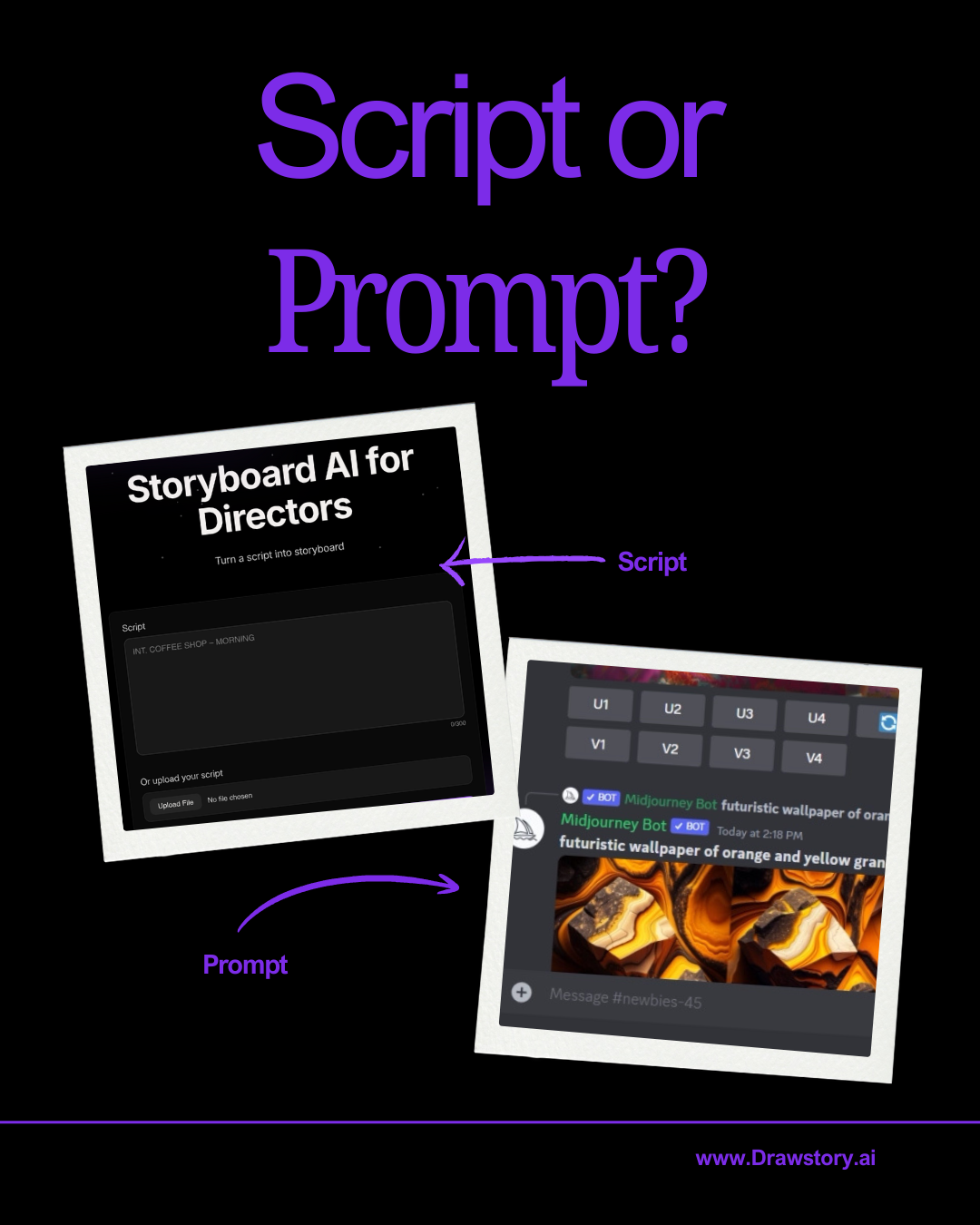
In 2026, storyboarding is more accessible than ever. More directors now use AI to create storyboards, and the barrier to entry is significantly lower than it was just a few years ago.
Back then, directors who could not draw had to hire a storyboard artist even for small or experimental projects. For many indie films, commercials, or early-stage concepts, this was expensive and often unrealistic.
Today, with professional storyboard AI tools, directors can storyboard a full movie, commercial, or TV series simply by uploading a script - without writing prompts and without drawing skills.
This shift has changed how visual storytelling works, especially in early production and pitching stages.
Who Can Use AI Storyboarding?
In short, anyone who has a script, screenplay, or creative brief.
Below is who is actively using AI storyboarding today and why they rely on tools like Drawstory:
- Directors – to storyboard movies, commercials, and TV series
- Producers – to create movie pitch decks and visual concepts
- Creative agencies – to visualize briefs and build client presentations
- Marketing leaders – they have a brief and want to visualize it before sending it to a creative agency
AI storyboarding is no longer limited to technical artists. It is used by people who think in stories, not drawings.
How to Create a Storyboard Using AI (Step by Step)
Below is a simple breakdown showing how to create a storyboard without writing prompts.
1. Sign Up to Drawstory
Create an account and access the storyboard editor. No technical setup or AI prompting knowledge is required.
2. Upload Your Script
You can upload:
- PDF files
- DOC or DOCX files
- Or copy and paste the entire script
You can paste or upload up to 100 pages at once. This allows you to storyboard:
- Full-length films
- TV episodes
- Long commercials
The storyboard AI keeps context across the entire script.
3. Import a Shot List or Let AI Create One
You can upload an existing shot list, or let the AI automatically create a shot list from your script.
Each generated shot includes:
- Shot angle
- Shot size
- Scene description
- Characters
- Locations
This is one of the biggest advantages of AI storyboarding - it turns text into structured visual logic.
4. Edit the Shot List if Needed
If something is missing or needs adjustment, you can easily edit the shot list.
For example:
- Add a new shot between existing shots
- Remove unnecessary shots
- Adjust pacing or scene flow
You stay in control of the creative decisions.
5. Add Product References
If you are creating a storyboard for a commercial, you can upload product reference images.
For example:
- Upload an image of the product
- The AI will include that product visually in the storyboard
This is especially useful for brand and agency work where accuracy matters.
6. Add Character and Location References
Go to the Characters tab.
There you will see all characters and locations detected from your script.
For example:
- Find the character “John” and upload a reference image
- Find a location like “café” and upload a real reference
The AI uses these references to maintain character and location consistency throughout the storyboard.
7. Generate the Full Storyboard
Once everything is set:
- Press Generate Scene
- Your full script is turned into a storyboard
The AI maintains:
- Visual consistency
- Scene context
- Character continuity
This is critical when storyboarding long projects like films or TV episodes.
How Many Words or Pages Can You Paste into a Storyboard AI?
One of the biggest limitations of early AI tools was context length. In 2026, this is no longer an issue.
With modern storyboard AI tools, you can upload or paste scripts of up to 100 pages.
This makes AI storyboarding suitable for:
- Feature films
- TV series episodes
- Long-form branded content
- Detailed pitch scripts
The AI does not treat scenes in isolation - it understands the story as a whole.
Using Storyboard AI for Client Presentations
AI storyboarding is not only a production tool. It is also a communication tool.
Instead of sending:
- Long scripts
- Static PDFs
- Written explanations
You can present your idea visually, shot by shot.
Present Mode for Visual Reviews
Drawstory includes a Present Mode designed for pitching and reviewing.
With Present Mode, you can:
- Turn the storyboard into a clean presentation
- Walk clients through scenes visually
- Explain framing, pacing, and mood without technical language
This is especially helpful when presenting to non-filmmakers.
Share a Link with Your Client
You can also share a single link with your client.
Clients can:
- Open the storyboard in their browser
- Review it visually
- Give clearer feedback
No downloads, no large files, no confusion.
This speeds up approvals and reduces misunderstandings.
What Kind of Projects Is AI Storyboarding Best For?
AI storyboarding works across many formats and industries.
It is commonly used for:
- Feature films
- TV series and episodes
- Commercials and brand videos
- Music videos
- Explainer videos
- Investor and producer pitch decks
- Creative agency client pitches
- Social media video campaigns
If a project has a script or a structured idea, AI storyboarding can support it.
Why AI Storyboarding Matters in 2026
Storyboarding used to be expensive and limited to teams with budgets.
Today, AI storyboarding democratizes visual storytelling.
Directors no longer need to:
- Draw themselves
- Hire storyboard artists for early ideas
- Skip storyboards due to cost
Learning how to create a storyboard using AI means focusing on vision and story - not prompts, complex workflows, dealing with models and prompt engineering every single
Frequently Asked Questions
Got Questions?
Find clear answers to common questions about Drawstory, our services, process, and how we bring your ideas to life.
What is AI storyboarding?


How do I create a storyboard using AI?
Can AI storyboard a full movie?
Do I need prompting skills to use storyboard AI?
Is Drawstory good for client presentations?



